

#F45791rgb(244, 87, 145)Color(red: 0.957…)
 ColorPickr
Living color for iPhone
Real-world color. One tap away.
#F45791rgb(244, 87, 145)Color(red: 0.957…)
Real ColorPickr captures
Scroll through seven real camera views. Each scene preserves the image, reticle, and HEX value captured in ColorPickr.
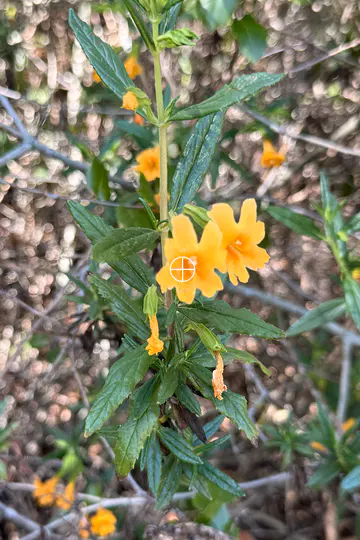
#FF8C00Scroll to move through the real captures
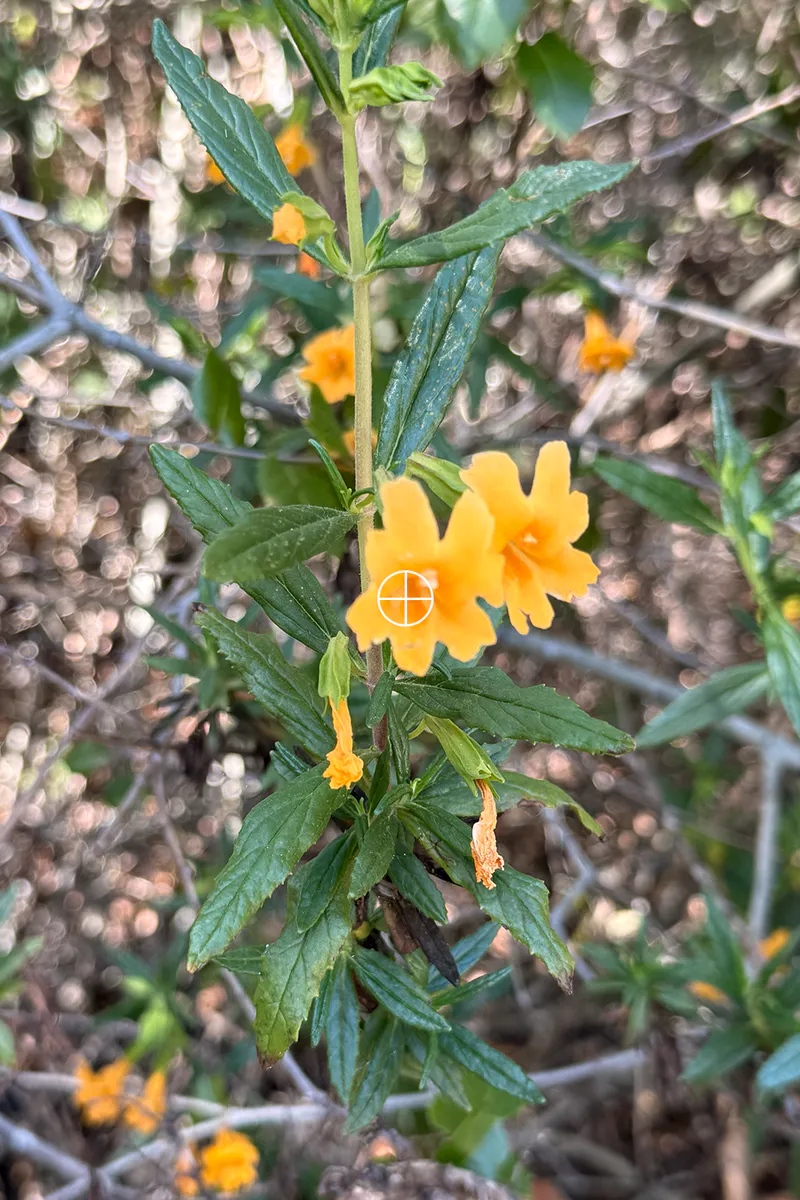
Desert flower
An orange bloom becomes a ready-to-use accent without separating the color from the moment that inspired it.
#FF8C00
Golden Gate tower
In shadow, the bridge becomes a deep oxblood tone—useful when a design needs warmth without brightness.
#400B11
Golden Gate span
Light and distance soften the span into a muted rose that is more nuanced than its familiar landmark red.
#9A787D
Rock pattern
A weathered surface yields a warm, practical brown that can anchor a larger palette.
#8B755F
Harbor sunset
The reticle turns a fleeting peach glow into a color you can carry into a digital project.
#EFBA81
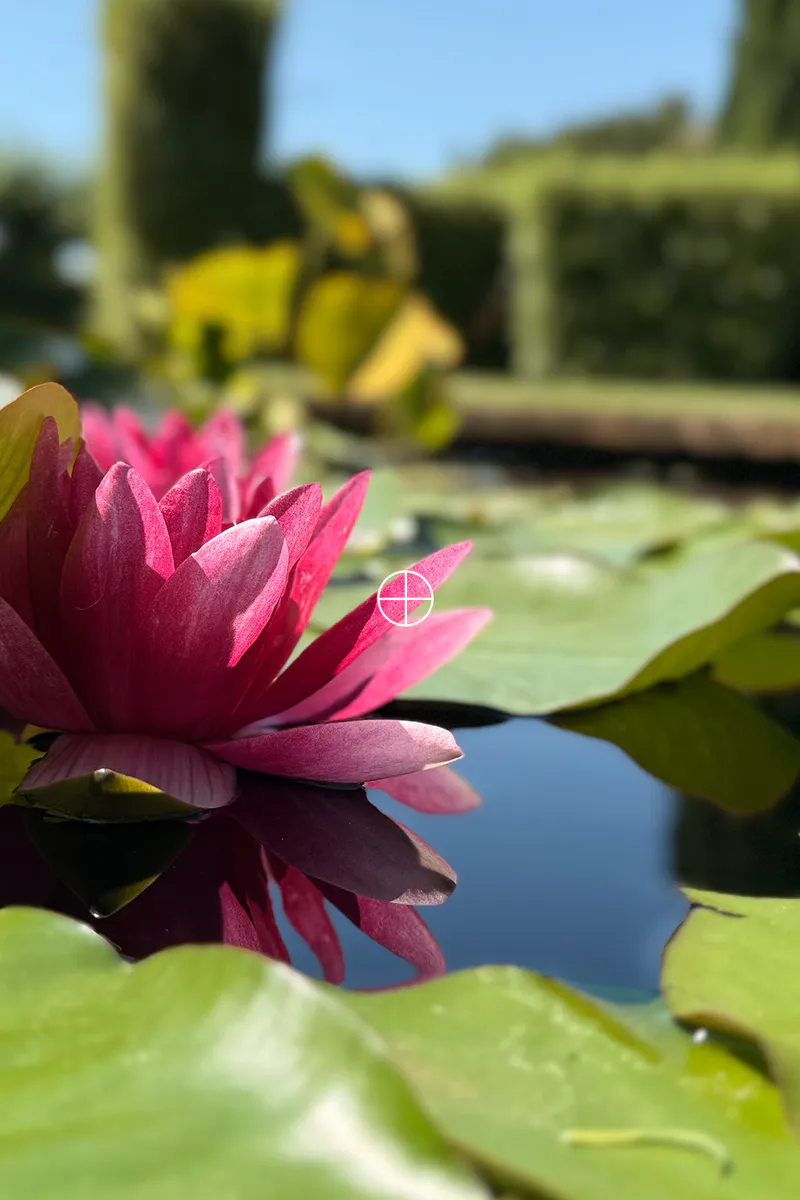
Water lily
A saturated pink becomes a precise HEX value while the original visual reference stays in view.
#F45791
Beach rocks
A wet stone offers an earthy red-brown—captured, saved, and ready for the next idea.
#954A33
A focused toolkit
Five copy formats
Choose the output that fits your workflow. ColorPickr writes only after you ask it to copy.
#FF8C00rgb(255, 140, 0)hsb(33, 100%, 100%)Color(red: 1.000, green: 0.549, blue: 0.000)UIColor(red: 1.000, green: 0.549, blue: 0.000, alpha: 1.0)From iPhone to Mac
Copy a color in ColorPickr on your iPhone, then paste it directly into your work on an iMac or MacBook using Apple’s Universal Clipboard.
Requires compatible nearby devices signed into the same Apple Account with Wi‑Fi, Bluetooth, and Handoff enabled. Learn about Universal Clipboard.Palette history
Recent captures remain on your iPhone, ready to copy again or remove.
Feedback & access
Optional sound and haptics sit alongside Dynamic Type, VoiceOver labels, increased contrast, and orientation support.
Private by design
No saved camera frames. No accounts, analytics, ads, tracking, or developer-operated servers.
Read the privacy policy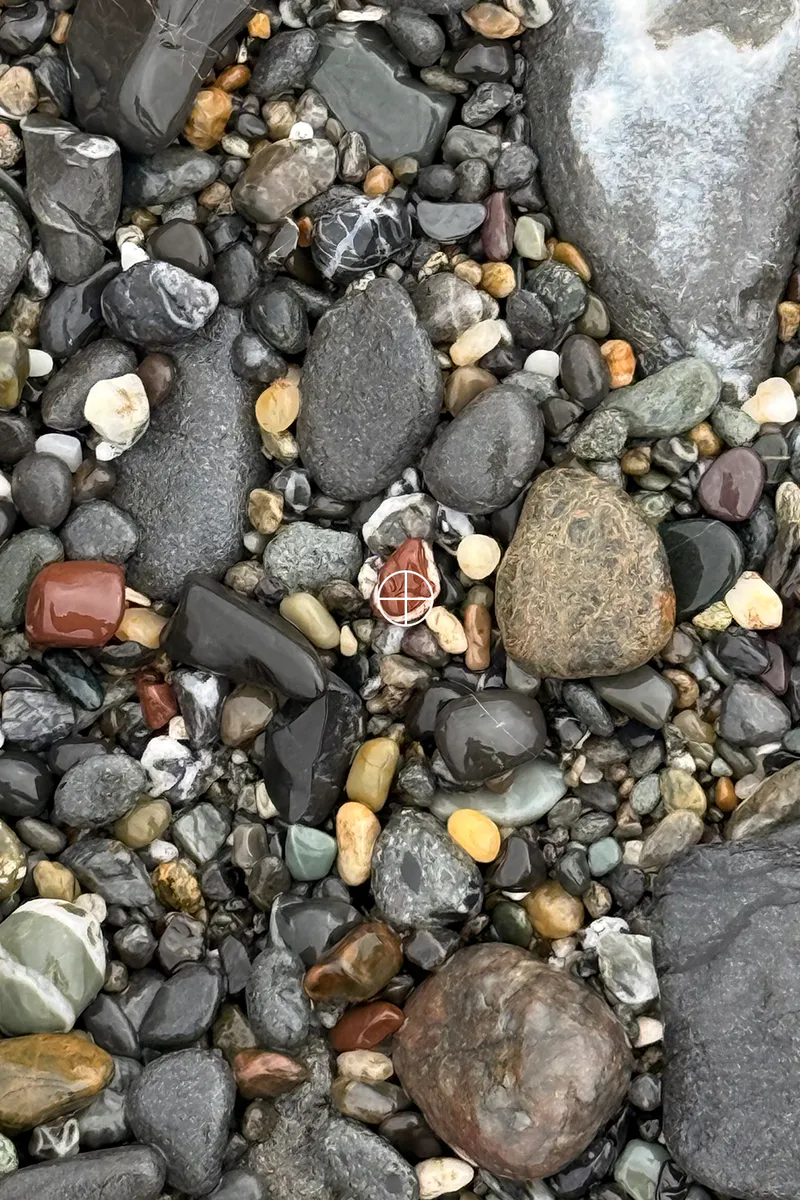
Optical integrity
Camera-derived color changes with lighting, reflections, distance, camera processing, and the surface itself. ColorPickr gives you a useful digital sample—not a calibrated laboratory or paint-matching measurement.
ColorPickr 1.0
No subscription, advertising, account, or in-app purchase. Regional pricing will be shown on the App Store.
●Coming to theApp Store Requires iOS 17 or later · iPhone only